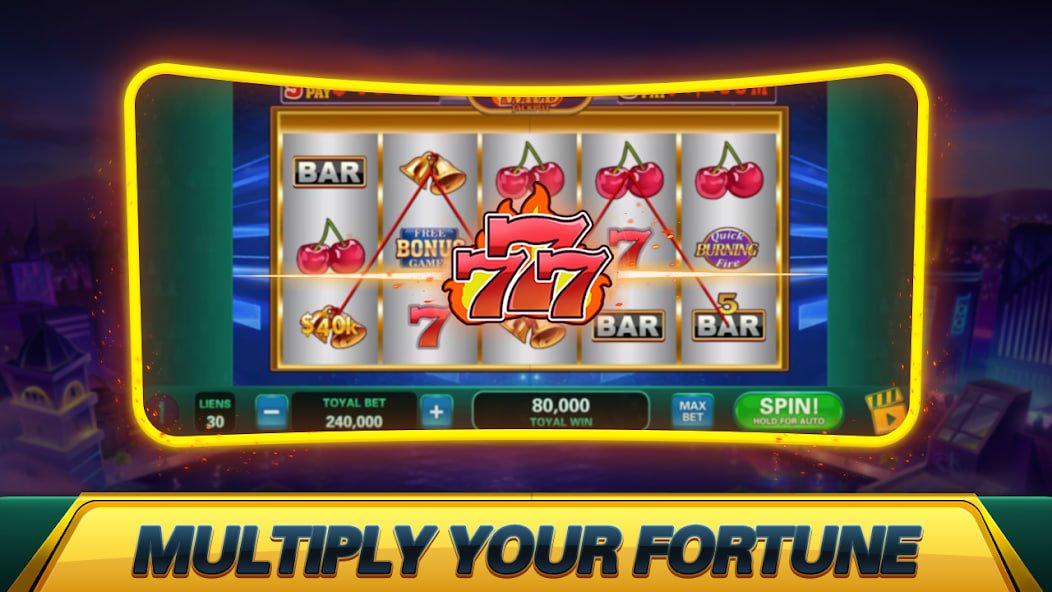
The FF Bazaar app is optimized for both Android and iOS — enjoy slots, bingo, fish games, sports, and much more.
Mobile gaming demand in Bangladesh keeps growing. People want a moment of fun wherever they are — at home or on the go. FF Bazaar built their mobile app with exactly that in mind. It's not just an app; it puts your entire gaming world right in the palm of your hand.
The first thing you'll notice when you open the FF Bazaar app is a clean, well-organized interface. Simple navigation, fast loading, and smooth gameplay come together for a truly unique experience. The fully localized interface means there's no language barrier.
From slots to Bingo, fish games to live sports — FF Bazaar has everything in one place. No need to download separate apps or create multiple accounts. One account, one app, all games.
Log in to the FF Bazaar app for the first time and you may be eligible for a special welcome bonus. Register now to claim it.

Exclusive Benefits for FF Bazaar App Users
The FF Bazaar app is lightweight and loads fast even on slow connections. You can play without any issues even on a 3G network.
New offers, bonuses, and tournament updates delivered straight to your phone. Never miss a deal.
Log in in seconds with fingerprint or Face ID. No more typing passwords.
Use Dark Mode to reduce eye strain while playing at night. It's built right into the FF Bazaar app.
Deposit and withdraw directly through the app using bKash, Nagad, or Rocket. No need to visit a separate website.
Chat with customer support directly from within the app. Help is available 24 hours a day.
Installing the FF Bazaar app on Android is quick and easy. Just follow the steps below:
Create an account on FF Bazaar. Registration takes under a minute — just enter your phone number and password.
Download the Android APK file from the official FF Bazaar website. The file is completely safe and virus-free.
Go to Settings > Security > Unknown Sources and enable it. You only need to do this once.
Tap the downloaded APK file and press the Install button. Once installation is complete, log in to your account.
Always download the app from FF Bazaar's official source. Do not download APKs from any third-party sites.
IPhone and iPad users can access the FF Bazaar app in two ways:
Visit ffbazaar.pro using Safari on your iPhone.
Tap the share icon below and select "Add to Home Screen".
Tap "Add" and the FF Bazaar icon will appear on your home screen — just like a native app.
Tap the home screen icon to open FF Bazaar in full screen. Log in and jump straight into the games.
Thanks to FF Bazaar's Progressive Web App technology, iOS users get an experience that's nearly identical to a native app. Some features even work offline.
What your device needs to run the FF Bazaar app
| OS Version | Android 6.0 or above |
| RAM | Minimum 2 GB |
| Storage | 80 MB Free Space |
| Internet | 3G/4G or WiFi |
| APK Size | 65 MB |
| OS Version | IOS 13 or above |
| Device | IPhone 7 or newer |
| Browser | Safari (latest version) |
| Internet | 4G or WiFi recommended |
| Method | PWA (Add to Home Screen) |
The FF Bazaar app offers a wide range of games and features
From classic 3-reel to Megaways slots — 500+ games, all in one place.
75-Ball, 90-Ball, and Speed Bingo — hundreds of players together in real-time rooms.
3D graphics fish shooter game — now smoother than ever on mobile.
Cricket, football, tennis — real-time betting on live matches.
Many players use FF Bazaar on a mobile browser, which works fine — but the app offers certain advantages that the browser simply can't match.
FF Bazaar offers its app users exclusive perks that are only available through the app.
Your data and funds are fully secure on the FF Bazaar app
All data transfers are secured with 256-bit SSL encryption.
Every account is verified to prevent fraud.
An extra layer of security with OTP verification.
Round-the-clock system monitoring instantly blocks any suspicious activity.
Frequently Asked Questions About the FF Bazaar App
Join thousands of Bangladeshi gamers and enjoy the best mobile gaming experience.